Help & Account Support

Support

Guidance for account settings, notifications, sign-in options, profile controls, and language preferences inside Datemil.

Account Guidance

Clear answers for the settings and controls people use most.

The support center covers everyday account actions across the app, from managing notifications and language preferences to pausing your profile or choosing how you sign in.

Notifications

Custom

Fine-tune alerts and email categories.

Profile Status

Flexible

Pause and unpause without losing your account.

Language

Adaptive

Adjust region and app language when needed.

Quick Topics

What support covers

6 topics
  • 1Customize notifications
  • 2Account sign-up options
  • 3Pause your profile
  • 4Language settings
  • 5Restore preferences quickly
  • 6Private account controls

Support Topics

The core help articles members usually need first.

These guides explain how Datemil handles account controls, notification settings, sign-up flexibility, temporary profile pauses, and language settings.

01

How Can I Customize My Notifications?

You can easily adjust the notifications and emails you receive by following these steps:

1

Open the DateMil app and tap your Profile Photo on the far right of the navigation bar.

2

Tap the Settings (Gear) icon in the top corner.

3

Scroll down to the Notifications section.

4

Select either Push Notifications or Emails to modify your preferences.

To enable or disable all notifications, use the toggle at the top of the screen. It turns purple when active.

To customize specific categories, tap each category toggle individually to activate or deactivate it.

For iOS, tap Done in the upper right corner to save. For Android, tap the back icon to exit and save your settings.

A maroon toggle means that the notification or email category is turned on.
02

Can I sign up without using Apple?

Yes, you can create an account with just your phone number or email.

While we require all members to verify their accounts with a phone number, you also have the option to link your Facebook, Google on Android, or Apple ID to your account for added convenience.

03

Can I sign up without using Facebook?

Yes, you can create an account with just your phone number or email.

As part of the verification process, we require all members to authenticate their accounts with a phone number. You can also link your Facebook, Google on Android, or Apple ID if you'd like.

04

Can I Temporarily Pause My DateMil Account?

Yes, you can.

1

Open the DateMil app and tap your Profile Photo in the lower right corner of the navigation bar.

2

Tap the Settings icon in the upper corner.

3

Toggle the Pause Profile switch to the on position.

When your account is paused, you won't appear in Discover or be shown to new people.

You can still chat with your existing matches while paused.

To unpause your account, toggle the Pause Profile switch back off or tap Unpause Profile on the Discover screen.

If you've already sent a Like before pausing, the recipient will still receive it and can choose to match with you.

Pausing your account does not affect your subscription status. Your subscription continues as normal.

05

How Do I Change the Language Settings in the DateMil App?

Here's how you can adjust the language settings in the DateMil app based on your device type:

1

Tap your Profile Photo icon on the far right of your navigation bar.

2

Select the Settings (Gear) icon.

3

Scroll to the Preferences section to change Language & Region and App Language.

4

Under Preferred Language, tap Language to view the available languages for the DateMil app.

5

Choose your desired language for the DateMil app.

6

Once you have made your selection, any changes will reflect when you navigate back to the app.

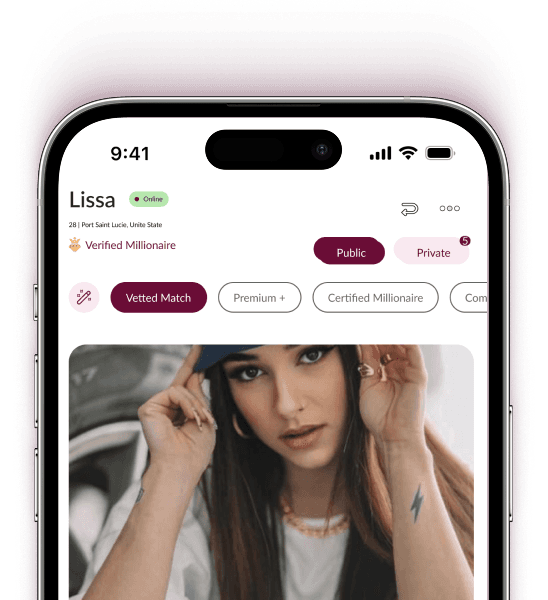
Datemil App on iPhone 15

Download Now

And take control of your experience with features that help you stand out, connect with purpose, and meet people who truly align with you.

Download on the App StoreGet it on Google Play

Cookies

Datemil uses cookies to improve site performance and remember your preferences.

Accept all cookies or manage your preferences at any time.